Complete the CSS Profile only when a college or scholarship program requests it for institutional aid. Before entering financial information, check the institution’s required aid year, deadline, parent requirements, and document checklist. The CSS Profile is not a substitute for the FAFSA when a school also requires that application. See College Board’s introduction.
1. Match the application to the year you will attend
Do not select an aid year merely because its first number matches the calendar year. For example, someone planning to start college in fall 2027 should check the school’s 2027–28 financial-aid instructions rather than follow an old guide titled 2026–27. College Board’s completion instructions explicitly tell applicants to choose the appropriate application year.
Create a school-by-school checklist before starting:
| College | Aid year | CSS Profile deadline | Separate parent application? | Follow-up documents |
|---|---|---|---|---|
| Your actual college | From its aid page | Include time zone | Check its policy | From its portal |
The table is a planning tool, not a universal set of requirements.
2. Assemble records and reuse your account
Have recently completed tax returns, W-2 forms, current-year income records, untaxed income and benefits information, assets, and bank statements available. Reuse your existing College Board account rather than making a duplicate. You can save the application and return later. College Board says to submit by midnight Eastern Time on the earliest priority filing date applicable to you; record that alongside the school’s instructions. These preparation steps come from the official Getting Started page.
Do not copy the tax-year advice from an outdated article. Read the year requested by each current question, especially where an application asks for both completed tax information and current circumstances.
3. Read the person named in every question
A parent helping a student must not answer “Student Status” as though it describes the parent. College Board identifies this as a common error. Use a simple review method: before typing a response, say “This question is about the student” or “This question is about the parent.” Check the heading again whenever a new section starts. The official application guide explains this distinction.
Worked example: A mother who is a veteran helps her high-school senior apply. A student-status question about military service refers to the senior, not the mother. Her answer belongs only where the form asks about her circumstances. This is an illustrative accuracy check, not a substitute for the form’s definitions.
4. Resolve separate-parent requirements early
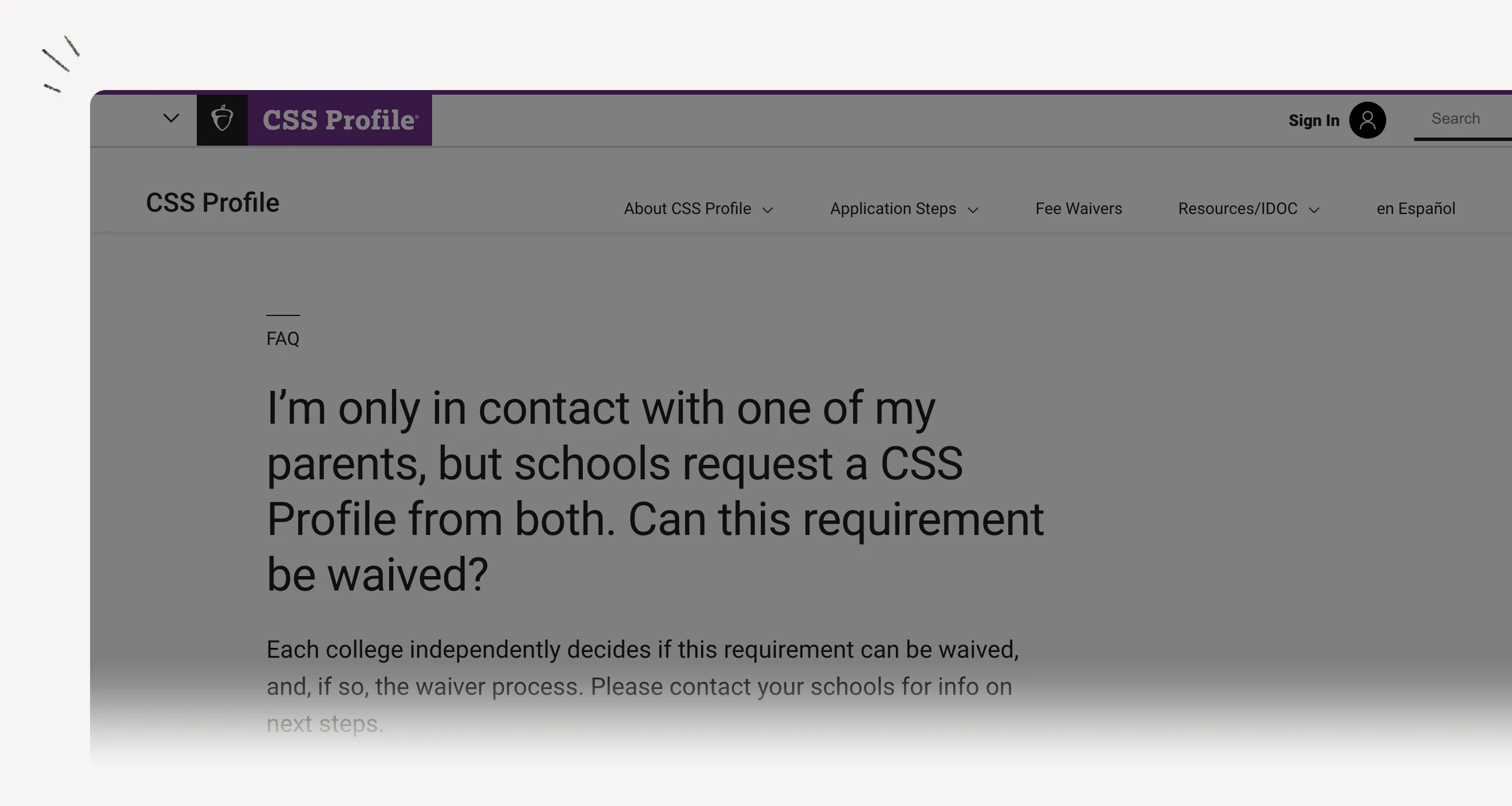
A noncustodial parent uses a separate account; follow College Board’s parent guidance. If you are not in contact with a parent and a college requests that parent’s application, do not assume leaving it blank will satisfy the requirement. Each institution decides independently whether to grant a waiver and what process to use. Consult the official waiver explanation.
A useful email is: “Your aid checklist requests a noncustodial parent application. I cannot obtain it because (your brief factual explanation). What waiver process and supporting records do you require?” Ask before sending sensitive documents through ordinary email.
5. Submit, then finish the follow-up
Review recipient colleges and the application before submission. After submitting, check the dashboard for the receipt and next steps, including IDOC when requested. Submission is not the same as completing every college’s aid file. For corrections, College Board provides a “Correct Your CSS Profile” option on the dashboard; confirm each institution’s additional instructions. See the official submission and correction steps.
Final accuracy check
Confirm the aid year, college recipients, student-versus-parent answers, missing parent requirements, and document requests. Save the confirmation and recheck each college portal. That last check matters more than simply checking “CSS Profile submitted” off a general college to-do list.