FAFSA verification is a review of information used for financial-aid eligibility. Being selected does not mean you are accused of wrongdoing. Your most useful next step is to obtain the school’s exact document list and deadline—not to upload every financial record you own.
Federal Student Aid says selection may be random or school-directed. Check your FAFSA Submission Summary and official college communications, then follow the financial-aid office’s instructions.
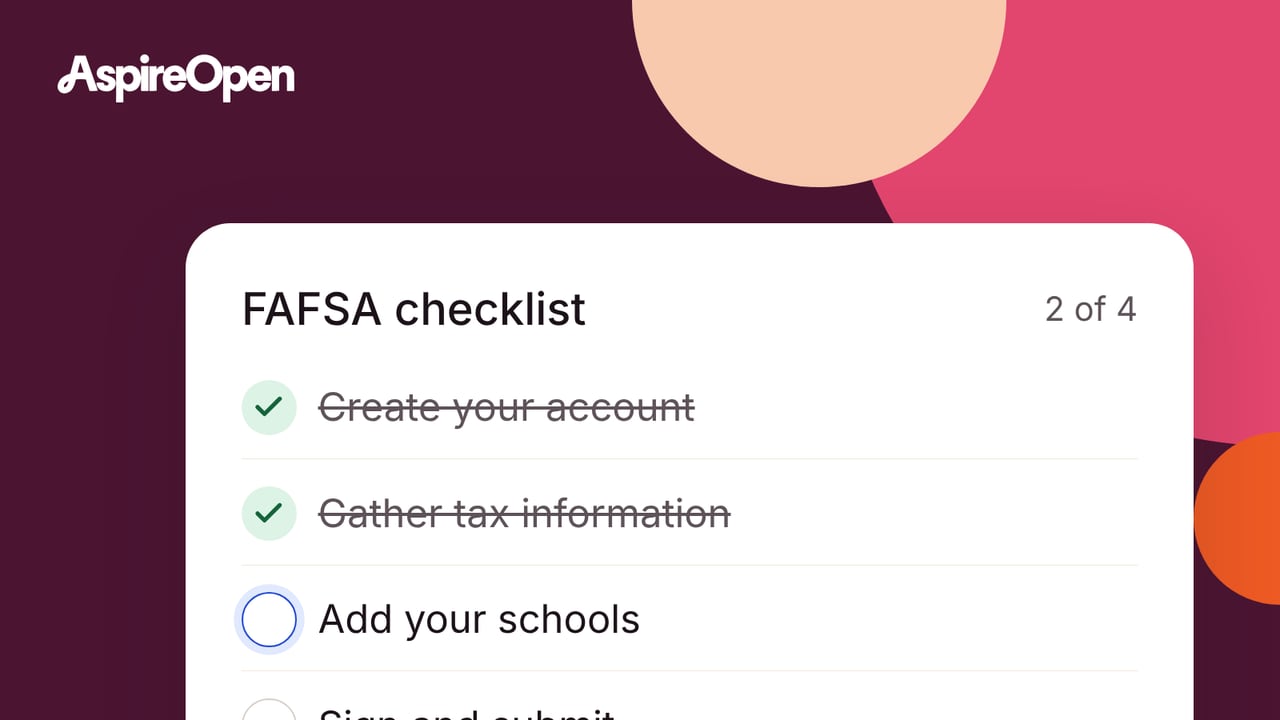
Start with this five-step checklist
This is a suggested workflow; the school’s instructions determine your actual requirements.
- Sign in directly to StudentAid.gov and the college’s official portal.
- Confirm the relevant award year and the items requested.
- Record the school deadline, upload route, and any required signatures.
- Submit the requested documents securely and save confirmation.
- Ask whether verification is complete, corrections remain, or the aid offer is still pending.
Do not send sensitive records to an unfamiliar email address simply because a message contains a college logo. Use contact information obtained through the official school website to verify an unexpected request.
Not every student verifies the same information
The 2026–27 FSA Handbook distinguishes three tracking groups:
| Group | General federal review scope |
|---|---|
| V1 | Applicable tax/income information and family size |
| V4 | Identity |
| V5 | Applicable V1 items plus identity |
Schools may also request reasonable information under their own consistently applied policies. The table is not your personal document checklist. Ask the school what it needs, especially if a requirement does not seem relevant to your situation.
Tax and family information: use the requested year
The Handbook explains the use of IRS-transferred information and acceptable documentation. Do not order a tax transcript by habit if the office has not requested one, and do not send current-year pay records instead of the specified historical documentation without instructions.
Suggested tracking table:
| Requested item | Correct year/person | Submission status | Question remaining |
|---|---|---|---|
| School worksheet | Exact award year and required signer | Not sent / sent / accepted | Signature or family-size issue |
| Income record | As specified by the office | Not sent / sent / accepted | Transcript, return, or alternative accepted? |
| Identity | Student, if requested | Appointment / submitted / accepted | Approved method and document |
“Uploaded” and “accepted” are different statuses. Check the portal for an unreadable file or missing signature after submitting.
Current identity rules differ from old guides
The official 2026–27 verification appendix describes acceptable identity-verification methods and documentation. FSA’s 2026 federal update says the Statement of Educational Purpose is no longer required and identifies expanded identity methods.
Do not copy an old online worksheet or assume everyone must visit campus. Ask your school which currently authorized route it offers, what identification it accepts, and how remote verification is arranged. You cannot replace the school’s approved process with an ordinary selfie or email attachment.
If a document is unavailable
Contact the office before the deadline. Explain the specific obstacle—such as unavailable tax records, a destroyed document, or difficulty obtaining the required signature—and ask which documented alternative is acceptable. Do not invent a record or alter a date to satisfy the form.
Suggested message: “For my (your award year) verification, I cannot obtain (your requested item) because (your brief reason). What alternative documentation can you accept, and how should I submit it securely? Please confirm the deadline for my file.”
Verification can change the calculation
The current Handbook requires schools to explain relevant deadlines, consequences, and correction procedures. If records reveal a mismatch, the FAFSA information may need correction and aid may change.
Avoid correcting every detail on your own while the office is reviewing the file. Ask which updates you should make and which the school will submit. If your original information was accurate but finances later changed, ask about a separate special-circumstances review; verification is not automatically that appeal.
An illustrative follow-up
A student submits a worksheet and receives an automated upload receipt, but the portal still lists a missing signature. The correct next action is to resolve the signature and ask for acceptance—not assume the receipt means the review is finished or that federal aid will arrive immediately.
FSA’s post-submission guide advises meeting verification deadlines to avoid aid problems. Ask the college how pending review affects its bill due date, any payment plan, and aid disbursement; no universal turnaround time is promised here.
Your next step is to identify one remaining requirement, send it through the approved channel, and obtain confirmation that your file is complete.